
Paste Your Personality Into ChatGPT, Claude & Gemini
You've been talking to AI wrong. Not because you're writing bad prompts — but because the AI has no idea who it's talking to.
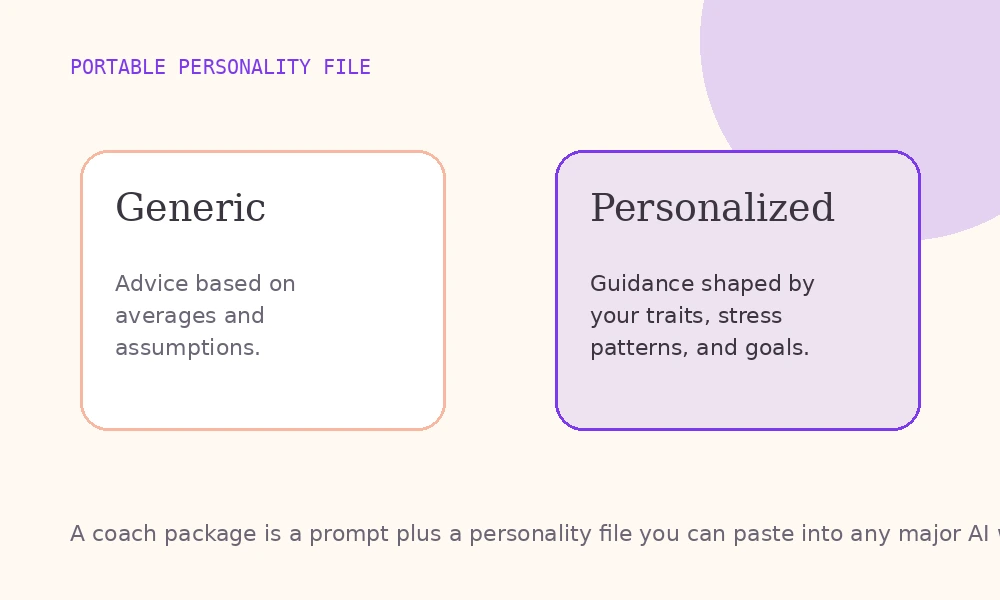
Every time you open ChatGPT, Claude, or Gemini, you start from zero. The model doesn't know if you're a big-picture thinker or a detail-oriented planner. It doesn't know if you want blunt feedback or gentle suggestions. It doesn't know whether a wall of text energizes you or shuts you down.
This guide fixes that. Two artifacts, a few minutes of setup, and the AI you already use becomes the AI that actually knows you.
What you actually paste
There's no magic "personality field" you fill in once. What works across Claude, ChatGPT, and Gemini are two distinct artifacts, each doing a different job:
- Coach instructions — a carefully engineered prompt that tells the AI how to talk to you. It carries your communication preferences, cognitive style, what to avoid, what to lean into. This goes in the "Instructions" field of your AI's project feature.
- Personality file — structured psychological data (scores, trait interpretations, your own reflections). This goes in as a knowledge file or project file that the AI reads as background context.
Together they do what a single vague paragraph never could: give the AI structured, scored, referenceable context about who it's actually talking to.
The difference between a generic AI response and a personalized one isn't better prompting. It's better context — in the right fields, sized correctly for the platform.
Step 1: Pick a coach
Instead of one generic personality prompt trying to cover everything, InnerForge offers ten specific AI coaches — each tuned for a different side of how AI can help you: emotions, relationships, career, money, habits, creativity, and more. The coach you pick determines which checkpoints you'll take and what voice the final prompt carries.
Start with the one that maps to what you actually want AI help with. You can always build more later — the data you collect is reusable.
Step 2: Take the checkpoints
Each coach is fed by one to three short psychological checkpoints — about five minutes each, built on instruments used in real psychology research: Big Five, attachment theory, Klontz money scripts, emotional intelligence models, and more.
Your answers become the raw data the coach reads before every conversation. Checkpoints are free to take, and your scores stay yours even if you only want the report.
Step 3: Generate the coach package
Once every feeder checkpoint is done, generate the coach package. This renders the two artifacts — instructions and personality file — in versions sized correctly for each platform's character limits.
InnerForge is free and ad-supported, so there is no checkout step between your checkpoint and the package. The underlying AI model stays whatever you're already using (free tiers work fine — Claude, ChatGPT, and Gemini all ship generous free tiers).
Step 4: Paste it into your AI
Here's exactly where each artifact goes, per platform.
Claude (Anthropic)
- Open Claude Projects and create a new project named after your coach
- Paste the coach instructions into the "Project Instructions" field
- Upload your personality file (.txt) under "Project knowledge"
- Start a chat inside that project — Claude reads both before every response
ChatGPT (OpenAI)
- Open ChatGPT and click Projects in the sidebar
- Create a new project for your coach
- Paste the coach instructions into the project's instructions field
- Upload your personality file as a project file
- Chat inside the project — ChatGPT references both
Gemini (Google)
- Open Gemini Gems and create a new Gem
- Paste the coach instructions into the Gem's instructions
- Attach your personality file under "Knowledge"
- Save and chat — the Gem loads both as persistent context
Any other platform
The two-artifact pattern works anywhere that accepts custom instructions plus an uploaded file. Same logic: instructions in the system prompt field, personality data as an attached document.
What changes after you paste it
The difference is immediate and noticeable. Real patterns users report:
Explanations match your depth preference. If your profile flags high openness and abstract-first thinking, the AI leads with concepts and frameworks instead of step-by-step procedures. If you're concrete and detail-oriented, it flips.
Tone adapts to your style. High agreeableness in your file? The AI softens its language and adds more collaborative framing. Low agreeableness? It drops the hedging and gives you straight answers.
Response length self-adjusts. If your communication data indicates a preference for concise output, the AI trims the filler. No more five-paragraph responses when you wanted two sentences.
Advice becomes relevant. When the AI knows you're autonomy-driven and resistant to arbitrary structure, it stops suggesting rigid frameworks and starts offering flexible approaches. When it knows you're high in conscientiousness, it leans into systems and accountability.
I set up the Resilience Coach in Claude and asked for help restructuring my morning routine. Instead of the generic "wake up at 5 AM" advice, it designed a flexible system that worked around my low conscientiousness and high openness — built around curiosity triggers instead of discipline. It actually stuck.
Tips for getting the most out of it
Build multiple coaches over time. Each coach has its own voice and focus area — a relationship coach gets tuned for warmth and non-judgment; a career coach gets tuned for directness and structure. Don't try to cover everything in one Gem or Project.
Don't edit the artifacts manually. It's tempting to tweak the instructions, but they're sized precisely for each platform's character limits and the prompt engineering is load-bearing. Copy them as-is.
Use the coach's project, not regular chat. The two artifacts only persist inside Projects / Gems. Open a blank ChatGPT window and you're talking to the generic model again.
The personality file is reusable. The same underlying data feeds multiple coaches — you only take each checkpoint once.
Why this matters beyond convenience
Personalized AI isn't a gimmick. Research in human-computer interaction consistently shows that systems adapted to individual personality traits produce higher satisfaction, better comprehension, and more actionable output.
Right now, most people are getting a one-size-fits-all experience from the AI they're already paying twenty dollars a month for. The models are powerful, but they're flying blind. Two artifacts in the right fields fix that — and it takes less than ten minutes to set up.
The future of AI personalization is heading toward persistent, personality-aware systems that adapt automatically. You don't have to wait for that future. You can start with a coach and a paste.
Ready to set up your first one? Browse InnerForge's free coaches and pick the one that fits what you're working on.
Keep reading
ChatGPT Custom Instructions Template: Copy-Paste (2026)
Copy-paste ChatGPT custom instructions template. Structure personality data and preferences so ChatGPT stops giving generic, unhelpful advice.
Give Claude a Personality: Custom Instructions Guide (2026)
Set up Claude Projects with custom instructions that make Claude understand you. Personality-based templates for better AI conversations.
Give Gemini a Personality: Gems Setup Guide (2026)
Make Google Gemini actually useful with Gems — custom AI agents that know how you think. Step-by-step setup guide with personality-based instructions.